Quick Start
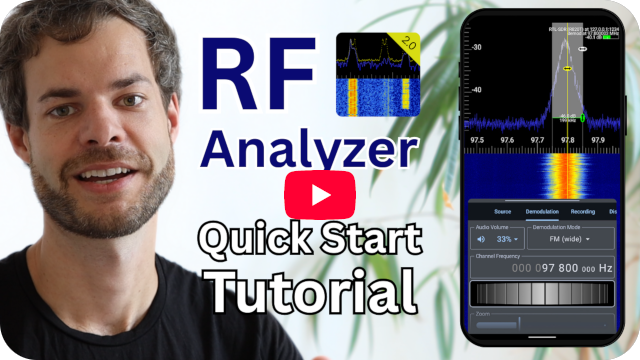
The following YouTube video explains how to set up your SDR with RF Analyzer:
Alternatively, follow these steps to get started quickly:
- Install the app from Google Play Store:
RF Analyzer for Android
- Connect your SDR device:
- For USB SDRs (HackRF, RTL-SDR) → Use an USB-OTG adapter.
- If you don't own a SDR device, you could start by replaying an IQ file
(select Filesource in the next step)
- More information about connecting the SDR device can be found under Installation & Setup
- In the app navigate to the Source Tab (see SDR Source) and select your
source type from the dropdown menu.
- Set a tune frequency and initial sample rate, as well as gain values and
other source settings (optional; see SDR Source for more explanation on these settings).
- Press the play button to start the sampling.
- First time usage: Grant USB permissions when prompted.
- You should now see a FFT and waterfall plot.
- Scroll horizontally to automatically retune the source and find signals
in the spectrum.
- Use pinch-to-zoom gestures to zoom in on signals.
- Go to the Demodulation Tab (Demodulation) and select a demodulation mode from the
dropdown menu.
- Align the channel selector with a signal.
- Adjust squelch (and potentially the gain of your source).
- You should hear the demodulated audio signal
Please have a look at the following sections to learn more about all elements
of the UI, SDR Source Tab, Display Tab (FFT settings) and
demodulation settings, signal recording, bookmarks
and more. If you have trouble with the app, have a look at the
troubleshooting section!
I wish you a lot of fun analyzing the RF spectrum! :)